
Corporate events run on details.

“The industry model is wrong. This is my attempt to fix it.”
Drew Connerton, Founder
Invite-only registration. Branded confirmation emails from your domain. Per-attendee records for every ticket. Real-time check-in scanning for your registration desk. Equaticket handles the operational layer so you can focus on the event.
No credit card required · First 50 tickets free · Cancel anytime

The problem
Purpose-built for controlled access
Most ticketing platforms are designed for public events where anyone can buy. Corporate events often work the other way: you know who's invited, you want to control who registers, and you need to know exactly who showed up.

How it works
Invite-only registration
Gate any ticket type behind an access code. Only people with the code can see and register for those tickets. Distribute the code by email, Slack, or wherever your team communicates. One code for your whole invited list, or different codes for different groups: executives, speakers, general staff.
Per-attendee name collection
Enable name collection on any ticket type and every registrant enters their own name at checkout. Names appear on ticket confirmations, the check-in scanner, and your attendee export, so your records match actual attendance, not just who paid.
Tiered registration windows
Use the pricing ladder to open registration in waves: early access for executives, then general staff, then a waitlist if capacity fills. Each wave opens automatically when the previous one closes.
Promo codes for budget coding
Create discount codes (including 100% off codes) for comped registrations. Speakers, VIPs, and executives can register for free through a dedicated code while everyone else pays the standard rate.
Branded communications
Confirmation emails from noreply@mail.equaticket.com work fine for external events. For a company all-hands or executive summit, registrants expect to see your domain. BYO Email (available on paid plans) routes all transactional emails through your own sending domain.
What this means for your attendees:
- Ticket confirmations come from events@yourcompany.com or whatever domain you set up
- Email content and format are identical to the default. Only the sender identity changes.
- Replies go to your domain, not ours
Registration desk check-in
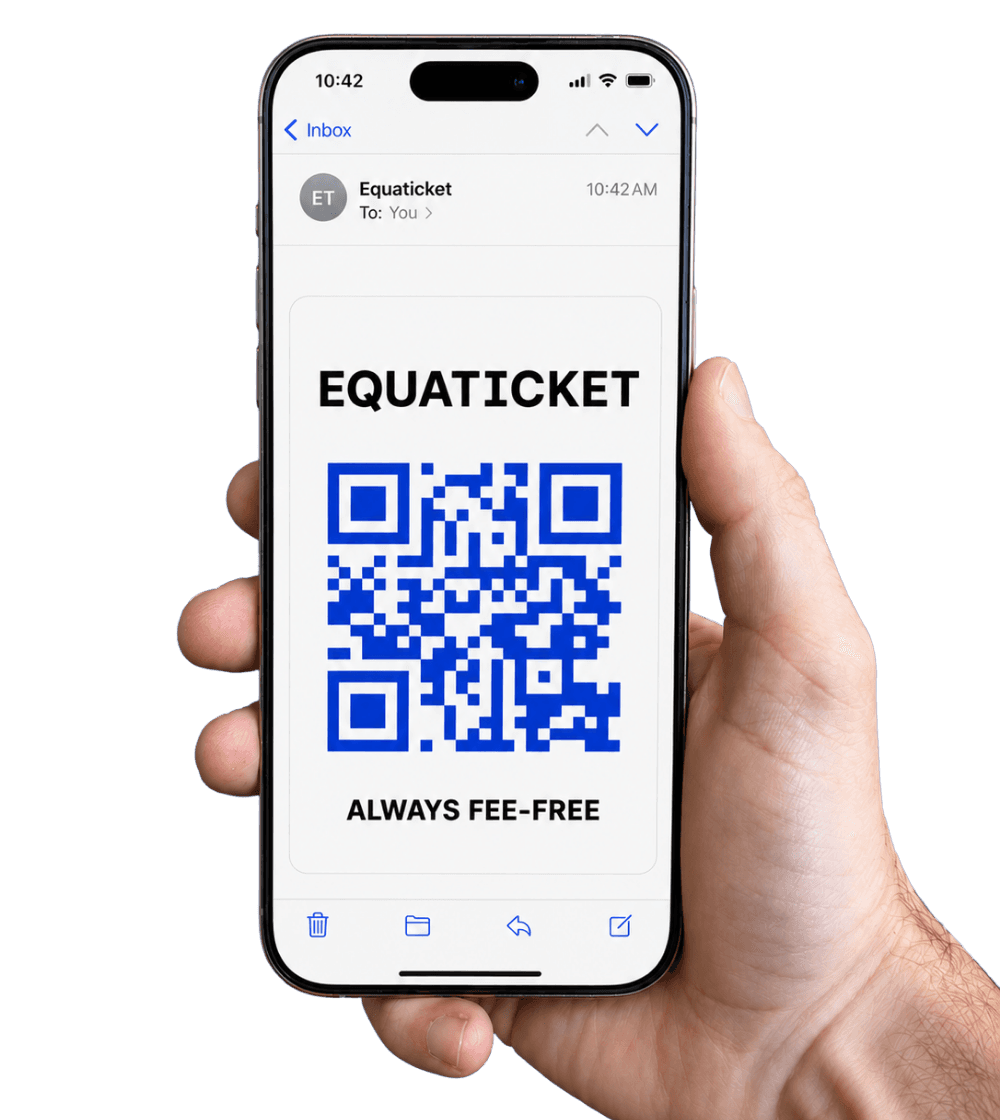
The Equaticket check-in app runs on any smartphone or tablet. No hardware required. Your registration desk scans QR codes, the system validates in real time, and you see a live count of who's checked in as the event runs.
- QR code scanning via the browser-based check-in app. No app store download needed for organizers on paid plans (PWA install available)
- Real-time sync across multiple devices. Two staff members can scan simultaneously with no duplicate check-ins.
- Offline mode: scans queue locally and sync when connectivity returns
- Attendee name displayed on scan result, so staff can confirm identity against the registration list
Attendee records you can actually use
Every registrant's name and email is in your audience dashboard after the event. Export the full list as a CSV (name, email, ticket type, check-in status) and load it into your HR system, CRM, or event report.
| What's in the export |
|---|
| Buyer name and email (the person who registered) |
| Per-ticket attendee name (the named person for each ticket, if name collection is enabled) |
| Event and ticket type |
| Check-in status and timestamp |
| Amount paid, promo code used |
Common corporate use cases
Company all-hands and internal conferences
Unlimited capacity tiers, access-code gating so only employees can register, per-ticket name collection for attendance records. Check-in scanning at the registration desk replaces printed lists.
Executive summits and leadership offsites
Invite-only registration via access code, branded emails from your corporate domain, small-capacity events with waitlist management.
Product launches and partner events
Tiered access (internal preview vs. public launch), promo codes for VIP guests, real-time check-in visibility for event staff.
Training and certification programs
Recurring event series for scheduled cohorts, per-attendee name collection for certification records, CSV export for reporting to HR or compliance teams.
Holiday parties and social events
Access-code gating for employee-only events, free-ticket codes for comped plus-ones, simple mobile check-in at the door.
Savings calculator
See how much your organization would save
Set your average ticket price and expected attendance. The calculator shows your platform cost vs. per-ticket competitors.
= 150 per quarter, pooled.
- Biggest savingsEventbrite$3,117/year
in total ticketing fees
Save $2,067/yearwith Equaticket vs. Eventbrite
- TicketSpice$1,644/year
in total ticketing fees
Save $594/yearwith Equaticket vs. TicketSpice
- Ticket Tailor$1,560/year
in total ticketing fees
Save $510/yearwith Equaticket vs. Ticket Tailor
Total Savings
$510 – $2,067/year
or $2,550 – $10,337 over 5 years
Calculations based on total fees. All platforms include payment processing via Stripe (2.9% + $0.30 per transaction) unless otherwise noted. Eventbrite bundles processing into their fee. Equaticket subscription billed monthly on a 3-month minimum. Competitor pricing verified July 2026.
Learn more

For workshops
Single-session learning events and retreats.

For churches and faith communities
Services, fundraisers, and faith-based event ticketing.

For classes and studios
Recurring classes, drop-in sessions, and class packs.

For consumer shows
High-volume expo and trade show ticketing.

For higher education
University events, lectures, and campus ticketing.

For museums
Timed entry, exhibitions, and cultural institution admissions.
Frequently asked questions
Yes. You can create access-code-gated ticket types with 100% promo codes for speakers, sponsors, VIPs, or staff. Equaticket charges nothing for free or comped tickets.
No. Equaticket charges a flat subscription with no per-ticket fees. We take nothing from each ticket sold. Your attendees pay exactly the price you set, with no added booking fees from us. Stripe payment processing applies at their standard rate (2.9% + $0.30 per transaction).
The Free tier is completely free with no time limit. It includes 50 tickets per 30 days, unlimited events, QR check-in, and the embeddable checkout widget. Paid plans start at $29/mo (Starter): pay monthly with a 3-month minimum, or $87 billed upfront per quarter, for up to 750 tickets per quarter. No credit card required to sign up.
Yes. Every Equaticket plan includes an embeddable checkout widget. Paste a single script tag into your site (WordPress, Squarespace, Webflow, or any HTML page) and the ticket purchase flow runs directly on your site. Buyers never leave your domain.
Every ticket includes a unique QR code. Your staff scan it using any smartphone camera through our check-in app, with no hardware required and no app store download needed. Paid plans include real-time multi-device sync, so multiple scanners at multiple gates stay in sync instantly with no double-entries.
Ready to stop paying per ticket?
Flat subscription. No per-ticket fees. Cancel anytime.
Create your account →No credit card required.